Computer repair and technology
support in and around
the Andover area.
229
Laptop screens replaced
998
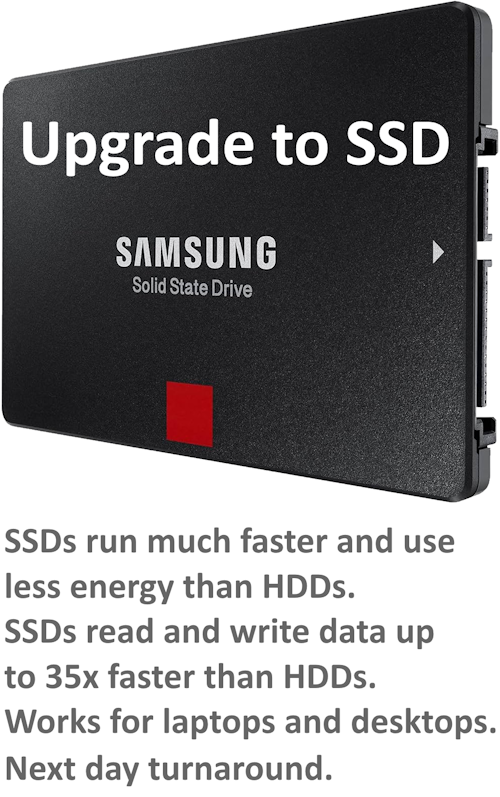
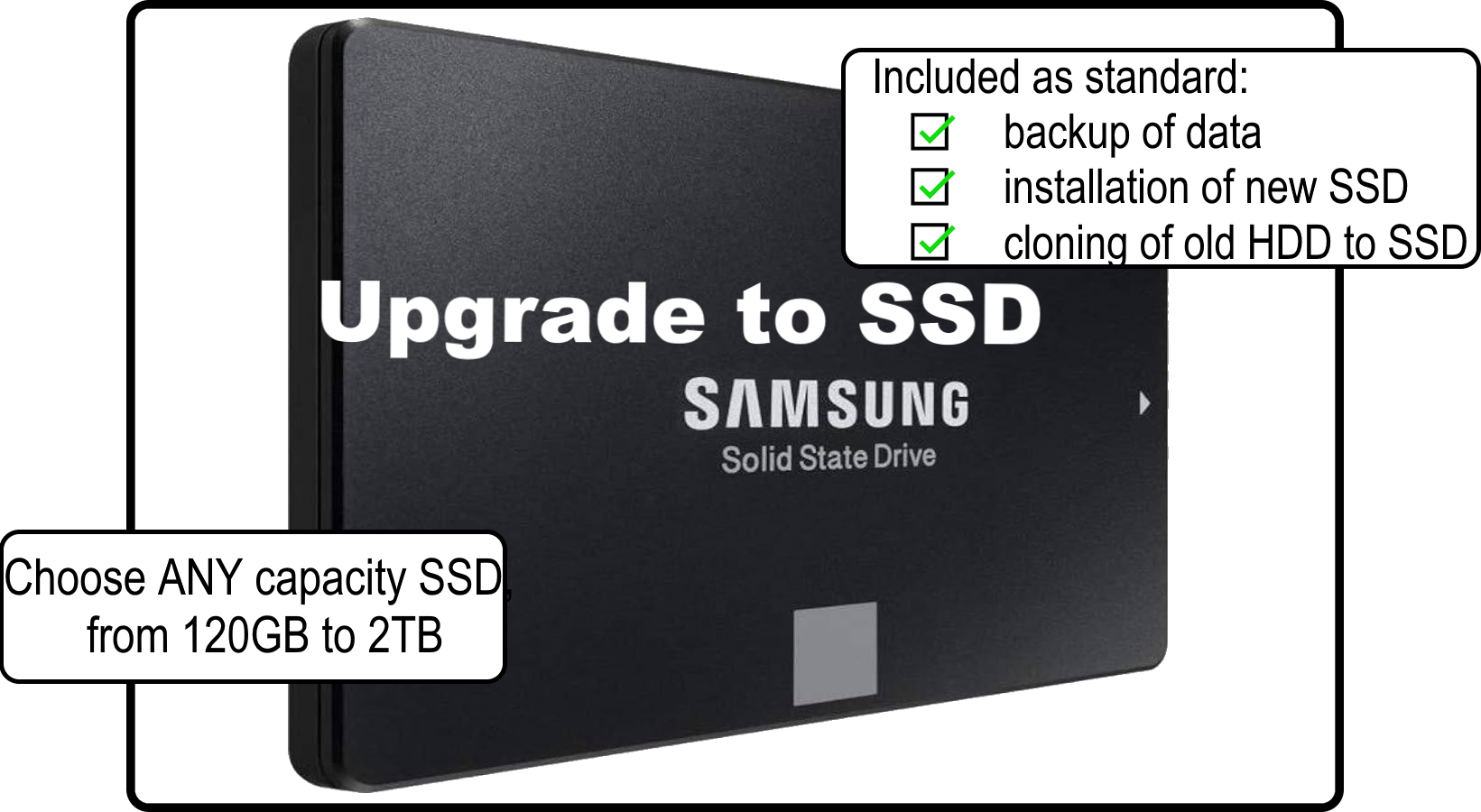
HDD-SSD upgrades
205
Data recovered
Laptop screens replaced
HDD-SSD upgrades
Data recovered
DM Computer Services provides friendly, professional IT support for home users, small businesses and charities across Andover and the surrounding areas. Whether you need fast computer repairs, help with laptop issues, support setting up new equipment or assistance with slow, unreliable systems, I offer clear, straightforward solutions with no jargon.
From home WiFi setup to laptop screen replacement, and from data recovery to speeding up an ageing machine, DM Computer Services provides support for residential and business customers, aiming to solve problems around hardware, software and peripherals - including general computer and laptop repair.
I work with all major brands and devices, covering everything from hardware faults and software problems to virus removal, PC clean-ups, data recovery, and Wi-Fi troubleshooting. If your business needs dependable ongoing help, my small business IT support service provides flexible, local assistance without the cost of a full-time technician.
If you’re upgrading or clearing out old equipment, I also offer a convenient tech collection, reuse and recycling service. I collect ten or more items free of charge, making it easy to clear out storerooms or replace ageing devices. Items that can be reused are refurbished, and anything beyond repair is passed to authorised recycling partners. If your old device contains important files, my data destruction service can securely erase all data before reuse or recycling, and I can provide a formal data destruction certificate for your records.
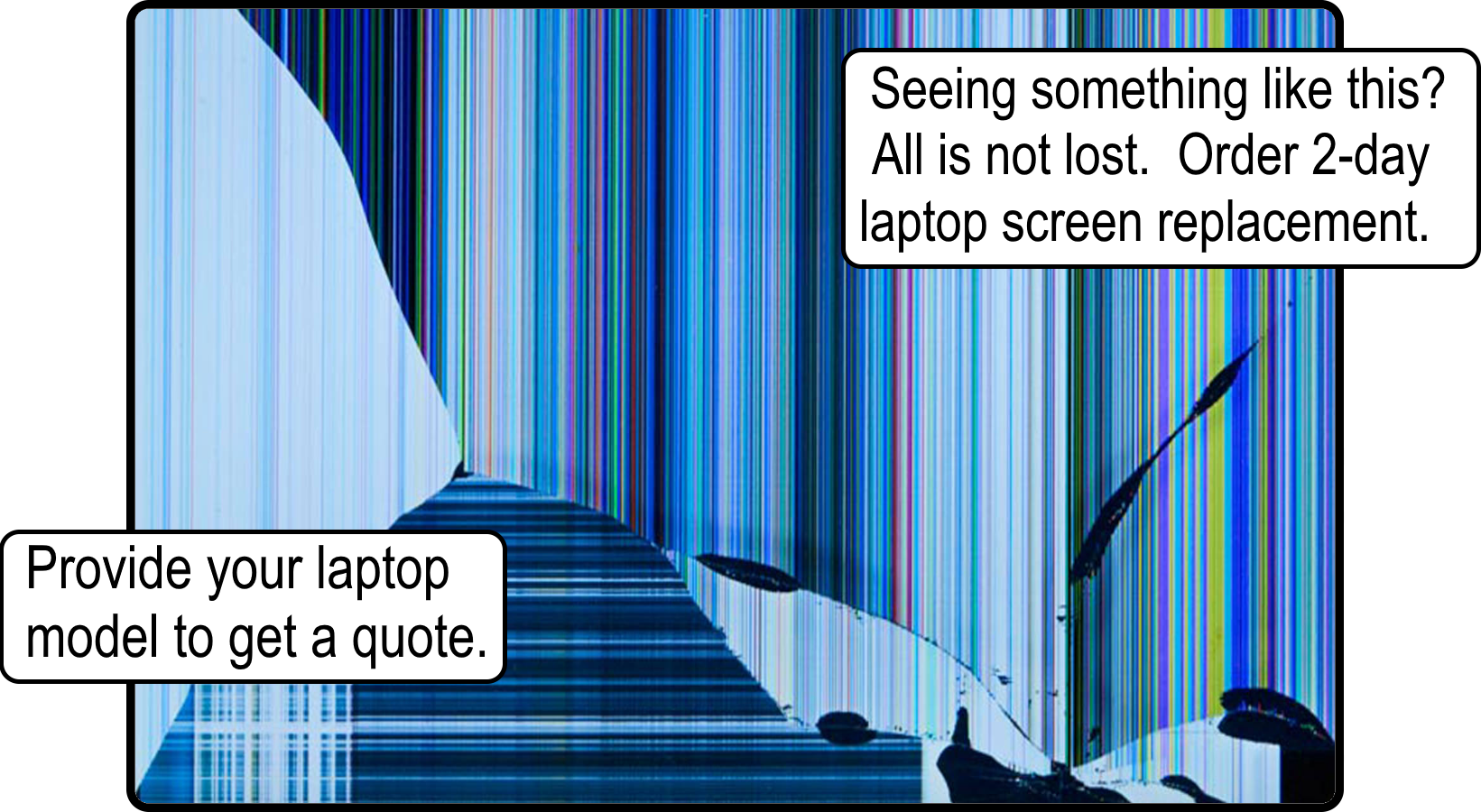
If you have a laptop or desktop that's not working optimally, give me a call and I'll try to solve it for you. It might be really slow, your screen might be cracked or broken or you might have missing keys. I offer a no fix-no fee policy, so if it can't be fixed there's nothing for you to pay.
Every service is delivered locally, reliably and with a focus on keeping your technology running smoothly. Whether you need a quick fix, ongoing support or help clearing out old tech, I make the process simple and stress-free.
 Online and Over-the-phone Technical Support and Tuition
Installing, configuring and troubleshooting can all be done over the phone at a time that suits you. Tuition on how to get the most out your PC is also possible in-person, online or over-the-phone. Find out more.
 On-Site Technical Support
Being available to visit clients' locations to diagnose and resolve hardware, software, and network issues. This includes troubleshooting computers, printers, networking equipment, and other peripherals. Find out more.
 Software Installation and Configuration
Assisting customers with installing and configuring software applications, setting up email accounts and printers, configuring security settings, and ensuring compatibility with existing systems. Find out more.
 Virus and Malware Removal
Providing services to detect and remove viruses, malware, spyware, and other security threats from computers and networks. Offering guidance on best practices for preventing future infections. Find out more.
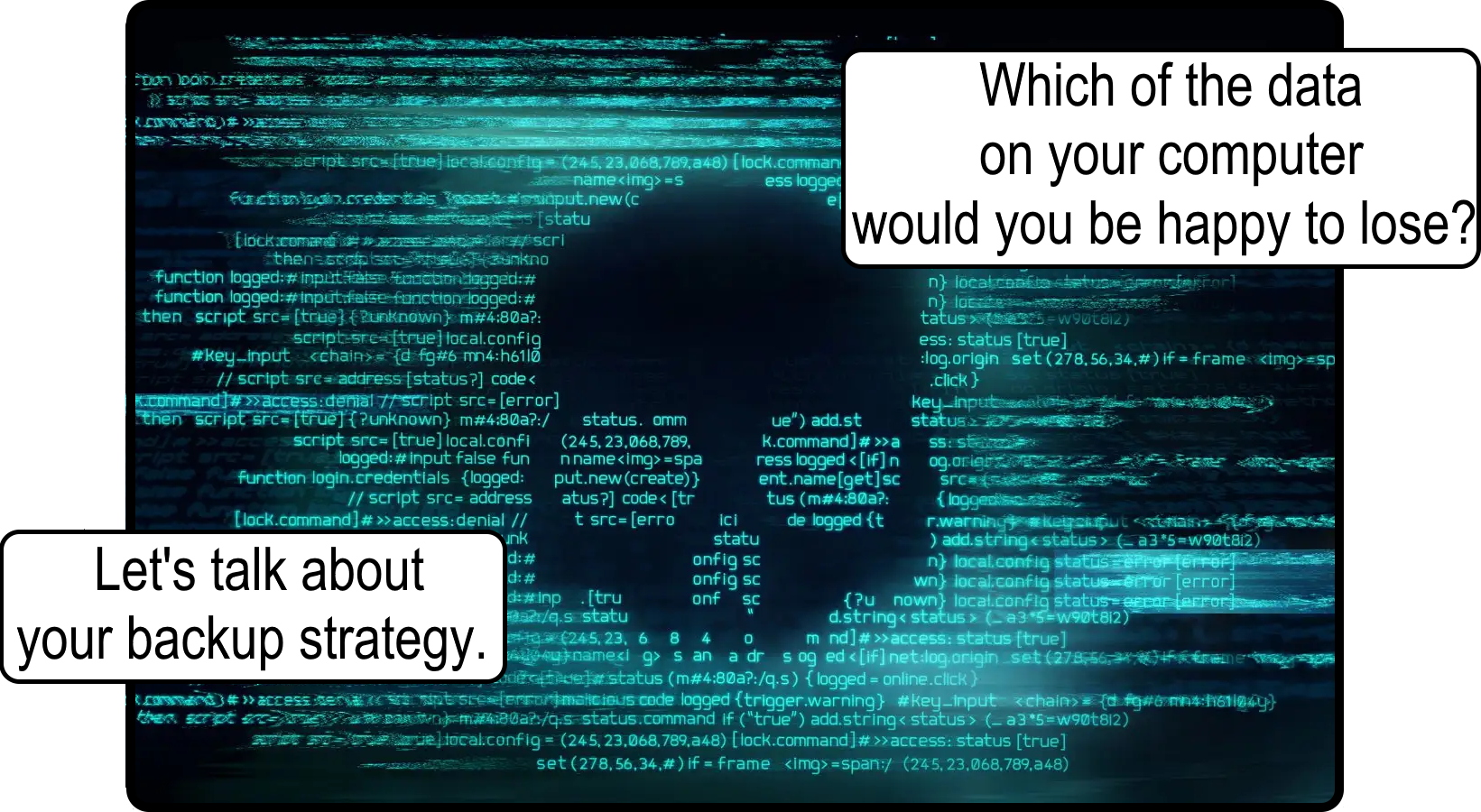
 Data Backup and Recovery
Helping customers implement backup solutions to protect their data from potential loss or corruption. Assisting with data recovery in case of accidental deletion, hardware failure, or other data loss scenarios. Find out more.
 Email and Internet Setup
Assisting customers with setting up email accounts, configuring email clients, troubleshooting internet connectivity issues, and ensuring secure browsing practices.
 Consultation and Advice
Providing expert advice and recommendations on technology purchases, upgrades, and best practices for maintaining computer systems and networks.
 Regular Maintenance Services
Offering scheduled maintenance services to keep computer systems running smoothly, including software updates, system optimization, and performance tuning. Find out more.
 New Machine Setup
Giving you a clean, smooth and secure start when you've bought a new machine from one of the big retailers — with everything prepared properly and ready to use. Find out more.